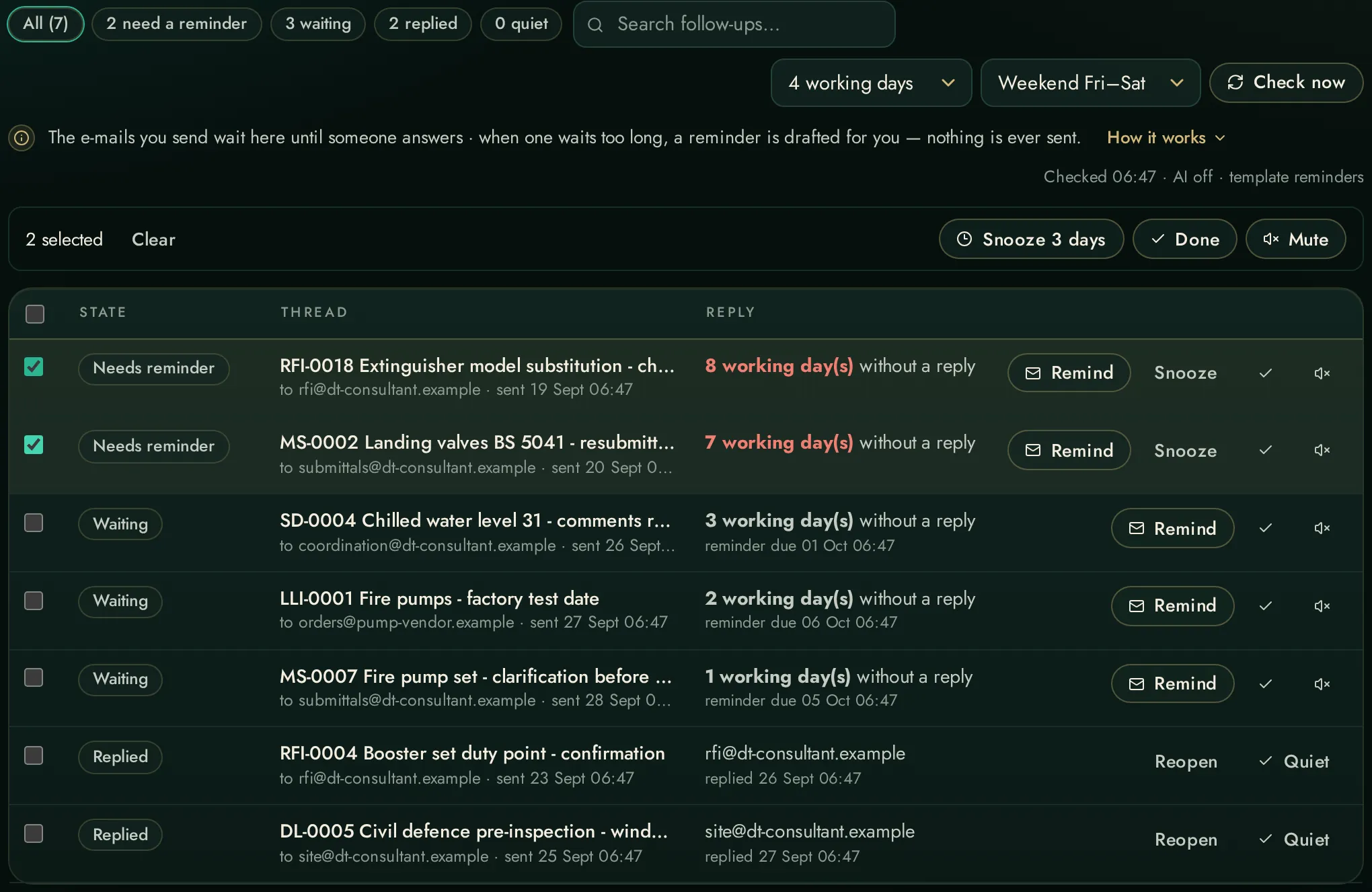
AI inbox triageUrgent-action / action / awaiting-others / info / noise — with a one-line reason each.
Letters keep their numberingA consultant's five-point letter arrives as five numbered points, not five items all called “1” — the reader takes the rich body and keeps Word's own list numbers.
The inbox briefA composed morning read of the mailbox: act on these, worth knowing, waiting on — each line linked to its thread.
Attachments in placeA message's attachments appear as chips and open right there — fetched on demand into a small self-pruning cache, never stored twice.
The whole thread, then a summaryRead a conversation from day one in one reader, and press once for a streamed summary of what has been agreed, refused and left open.
The message beside the listOn a wide screen an opened message sits beside the list, as in Outlook, and stays in sight while the list scrolls.
Conversations, opened in placeA conversation of several messages opens from a gold pill carrying its number; its messages sit on a tray of their own, newest first — who wrote each, when, and how it begins — and the triage's next step has a strip of its own.
A thousand conversationsThe list holds up to 1,000 conversations (500 from Outlook on a Mac): the newest arrive at once and the older mail is read in the background.
The whole mailbox, searchedA search goes to the mailbox itself: Outlook's own filter on a PC, subjects on a Mac, Microsoft's search or Thunderbird's. Nothing older than the list is out of reach.
Handwritten notes, read backHandwriting in OneNote (Windows) or Apple Notes (Mac) comes back as a numbered brief — each point extractable into an action the workspace produces.
Draft repliesA reply drafted with project facts searched from the knowledge base — never sent by the app.
Mail into the recordIngested correspondence lands in the knowledge base folder, searchable like everything else.
Arabic, the whole pageEvery tab and window of the Mail page reads in Arabic, while subjects, names and addresses stay as they were written.